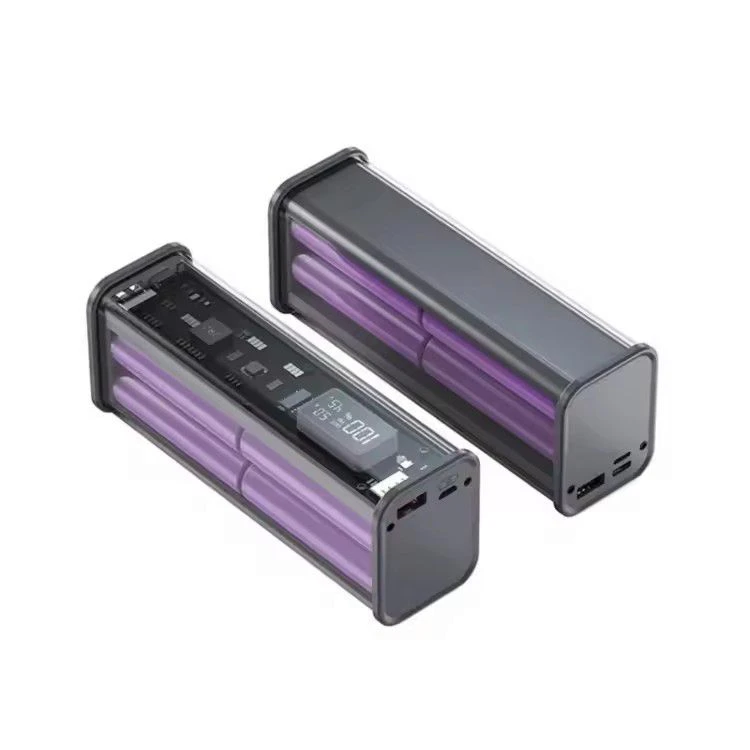
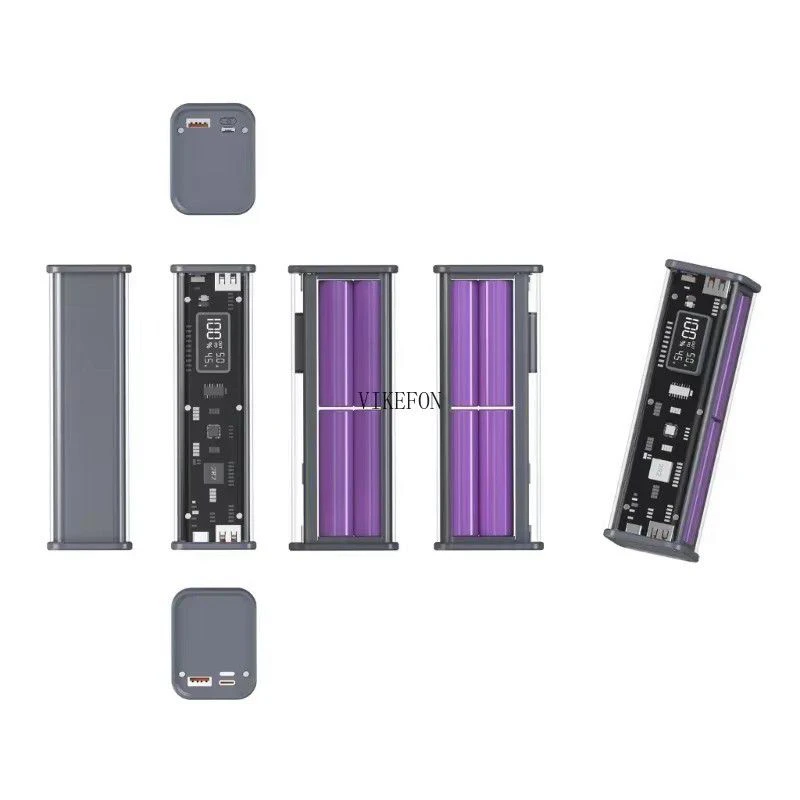
This is just the battery case; you must install the battery yourself. The battery is not included.
Features :
A DIY rear power supply unit, can charge 8 18650 batteries (batteries must be soldered and are not included)
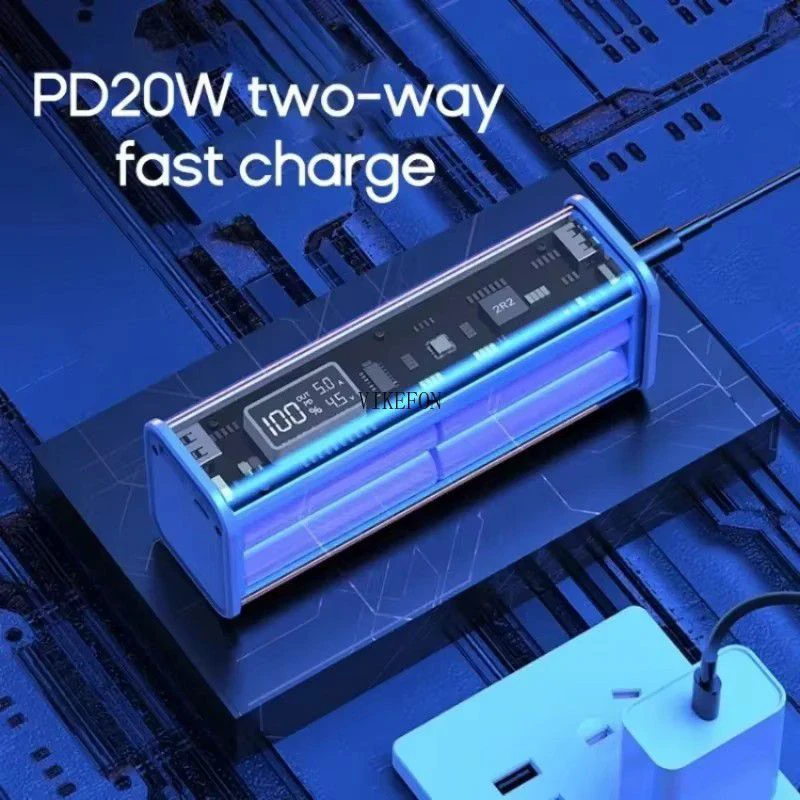
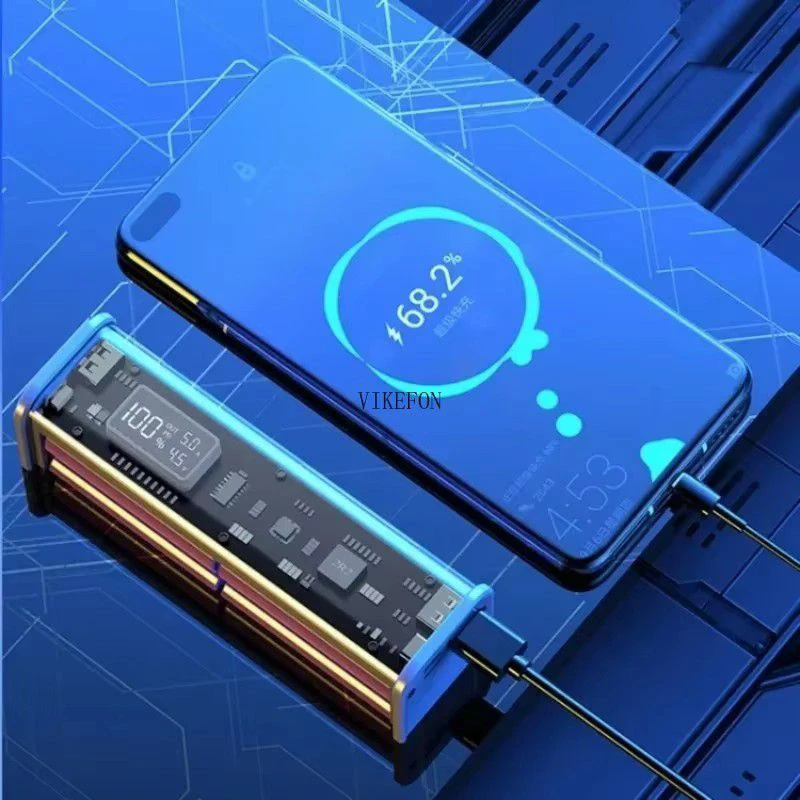
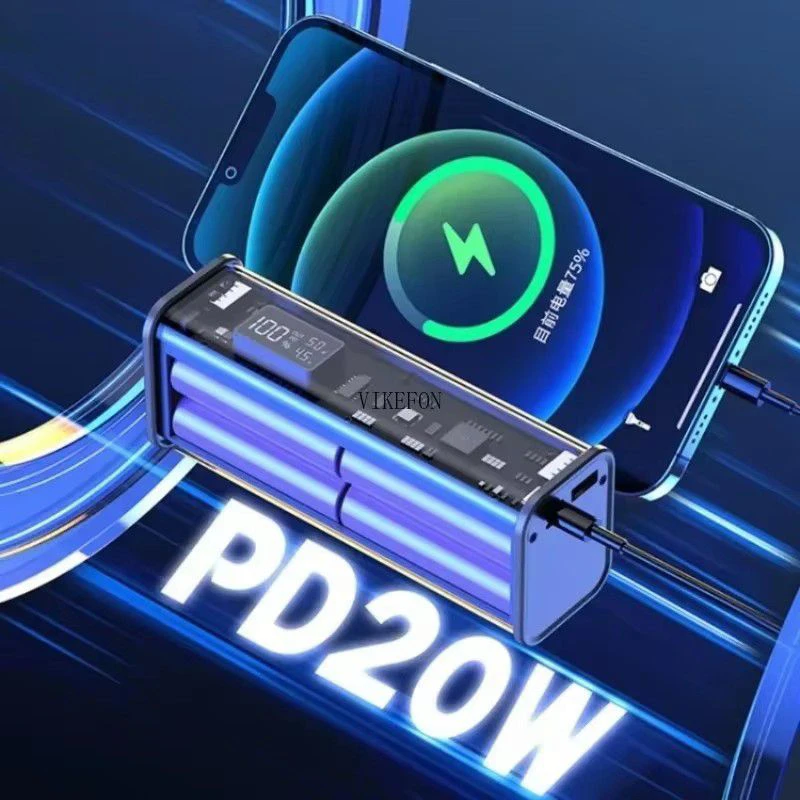
Supports full 22.5W fast charging protocol, 20W bidirectional PD fast charging.
The 22.5W output supports multi-protocol PD QC-AFC SCP fast charging for laptops and universal phones
You can take it on the plane without declaring it; it's safe and reliable.
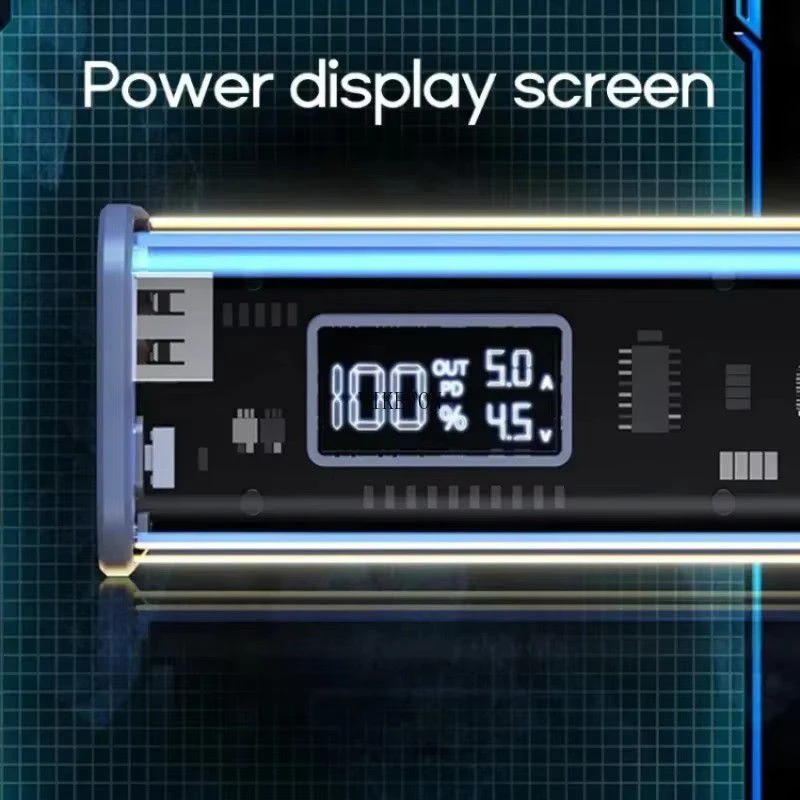
Transparent body, high-quality imported LED screen allows you to check the remaining power in real time
Specifications:
Item: for 18650 battery charger case (8 pieces)
Capacity: 200,000 mAh
Material: ABS-PVC
Color: Gray/Yellow/Blue
Size: approximately 145x41x53MM/5.7x1.6x2.09in
Input: DC5V / 2.1A / 20W
Output: 5V/2.1A/PD22.5W
Quantity: 1 PC (Does not include battery and charging cable)
The package includes:
1 PC x charging case
The battery must be connected in parallel. Connect the positive terminal of the battery to the "B"+ terminal on the back of the motherboard and the negative terminal of the battery to the "B -" terminal on the back of the motherboard.
After soldering, it is necessary to connect the power supply to charge and activate the power bank. After that, it can be used normally.
Q&A
1. Q: Does this product include accessories required for welding?
A: The package only includes accessories such as the motherboard and case as shown in the main image.
and the wires and other accessories required for welding are not included.
2.Q: What type of wire is required for welding?
A: 20AWG is the most suitable. 22AWG and 18AWG can also be used.
3.Q: What is the unresponsive behavior when clicking the button after the battery is soldered to the motherboard?
A: In some cases, the motherboard needs to be activated after soldering is complete. Charge it with a charger for 3-5 seconds to activate it.
4. Q: The power bank's battery level indicator drops rapidly to 1%, but it can still be used. What is the reason for this?
A: This situation occurs because the motherboard and battery are not yet fully synchronized. You can fully charge the power bank and then remove the battery inside. Repeat this process 3-5 times, and the power bank's display should return to normal.
 english